
How to convert a PDF to images
Save selected PDF pages as JPG or PNG images, individually or in a ZIP.
1. Choose a PDF
Drop one PDF into the outlined area or click to browse. Try our original sample PDF first. Selecting a file does not upload it.
JPG or PNG: which should I choose?
We converted the same sample to compare output formats.
Text, lines and photographs
PNG preserves text and diagram edges without lossy compression. JPG can make photographs smaller, but may introduce artifacts around text. The smaller format depends on the actual content.
Full instructions and practice files →
Actual outputs from the same PDF
Measured September 12, 2026 · Server conversion · JPG quality 90 · One A4 page.
Download the original sample PDF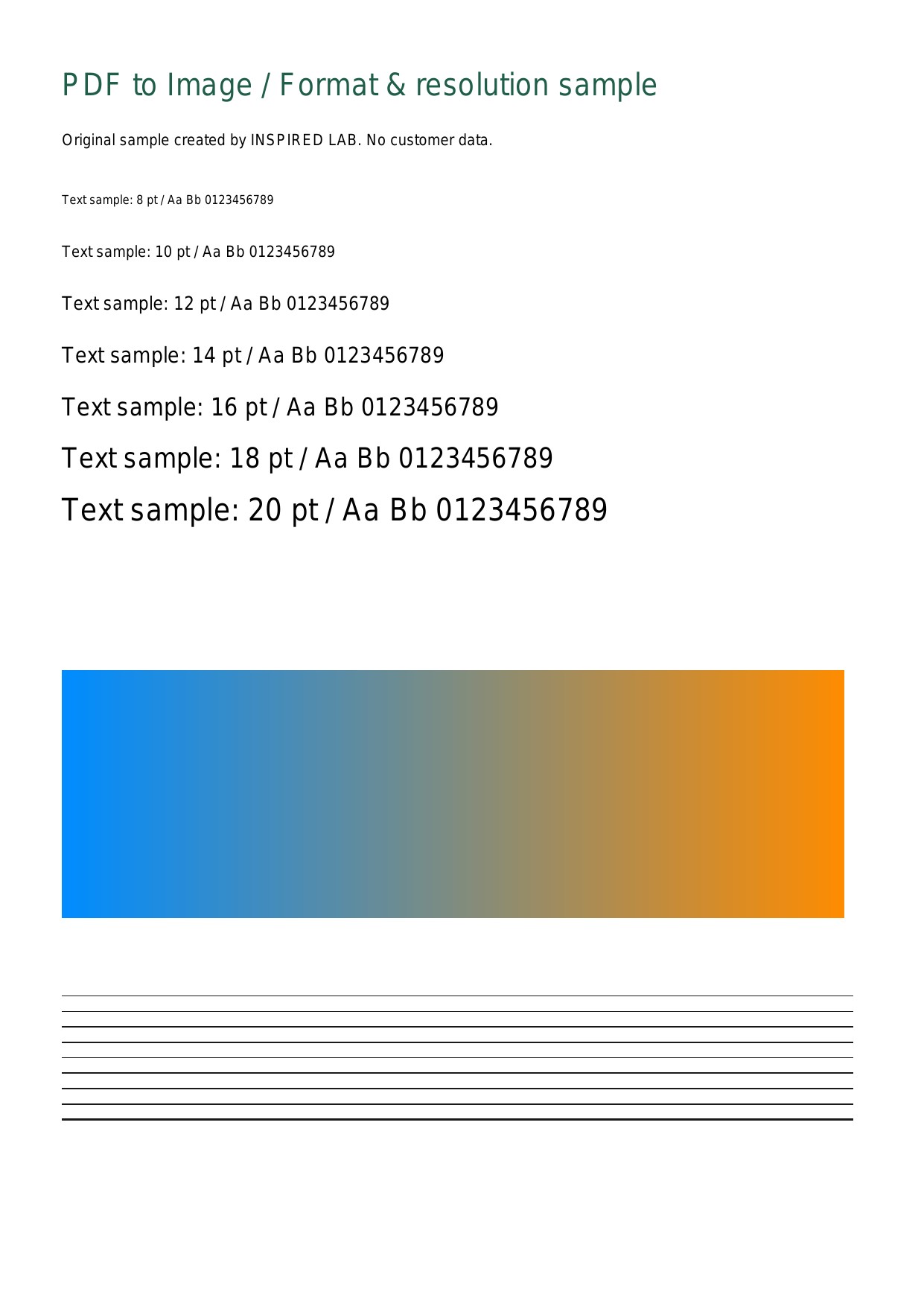
Measurements for this sample — not a guarantee of other documents’ size or speed.
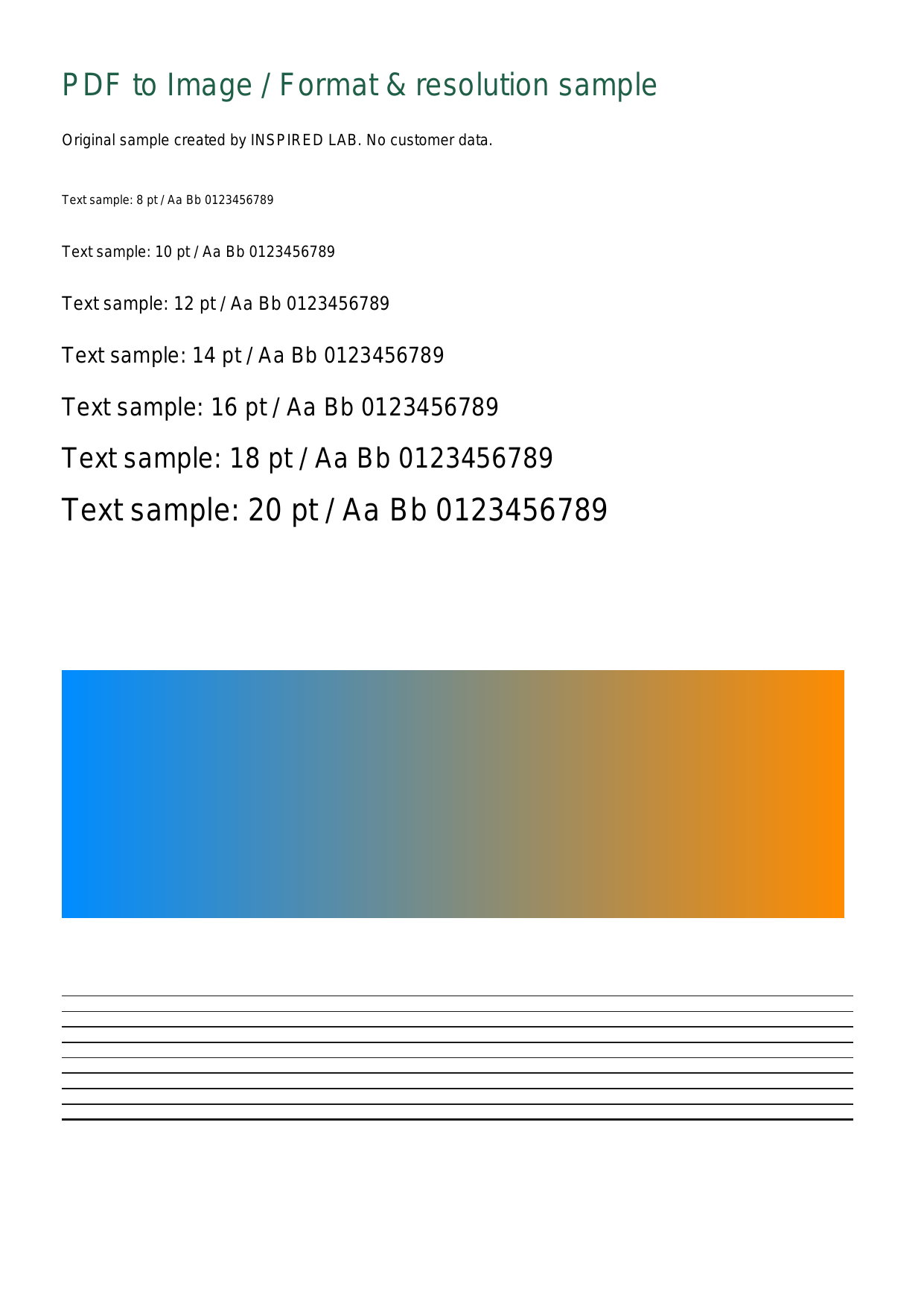
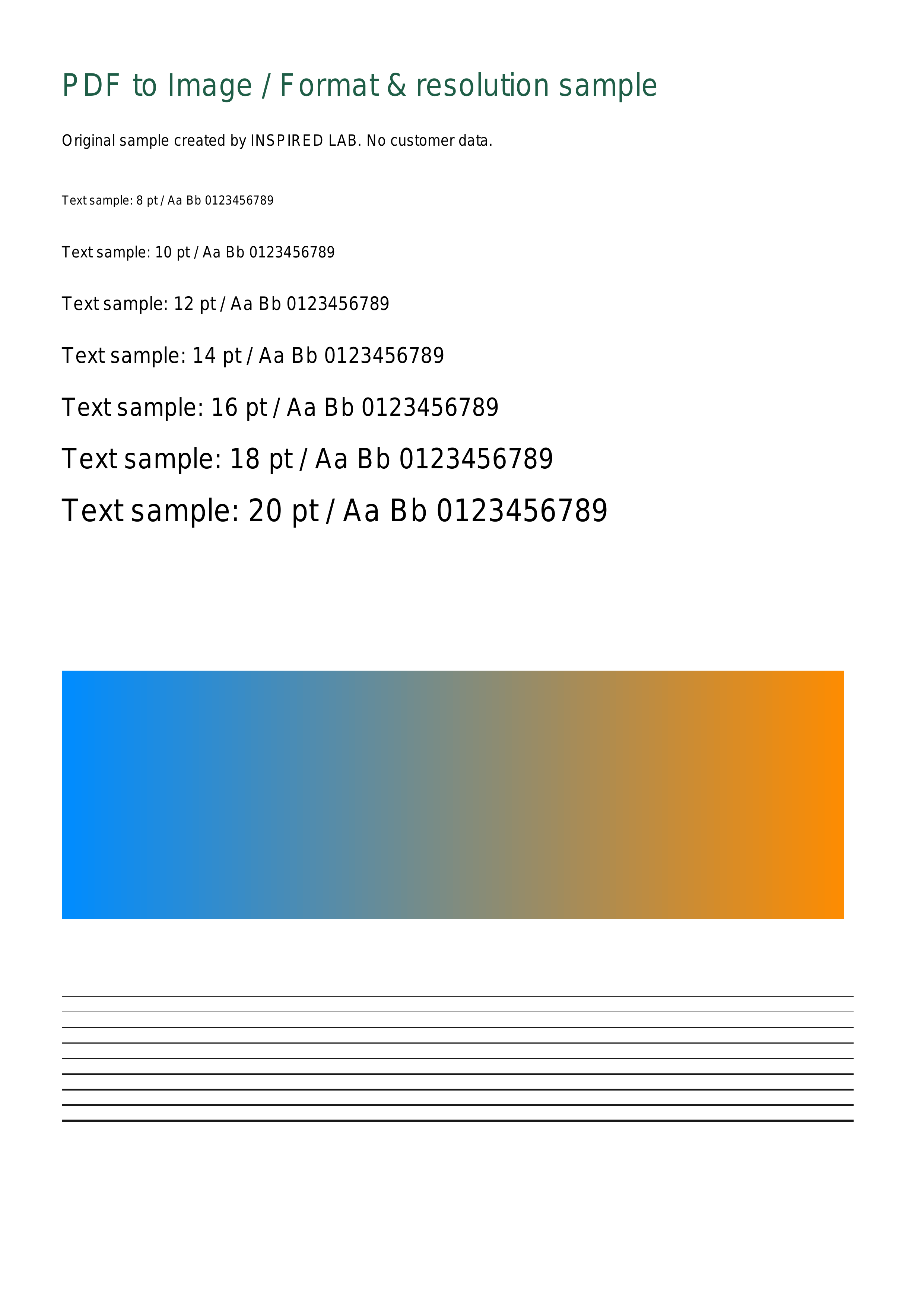
Compare 96, 150 and 300dpi
Higher resolution increases pixel count and processing demand.
Choosing a resolution
Start with 96dpi for quick on-screen viewing or 150dpi for general documents. Try 300dpi when you need to inspect small text or need more pixels, then check the result. It cannot restore details missing from a scan.
Full instructions and practice files →
Actual outputs from the same PDF
2026-09-12 · Poppler 22.12.0 · PNG · A4
Download the original sample PDF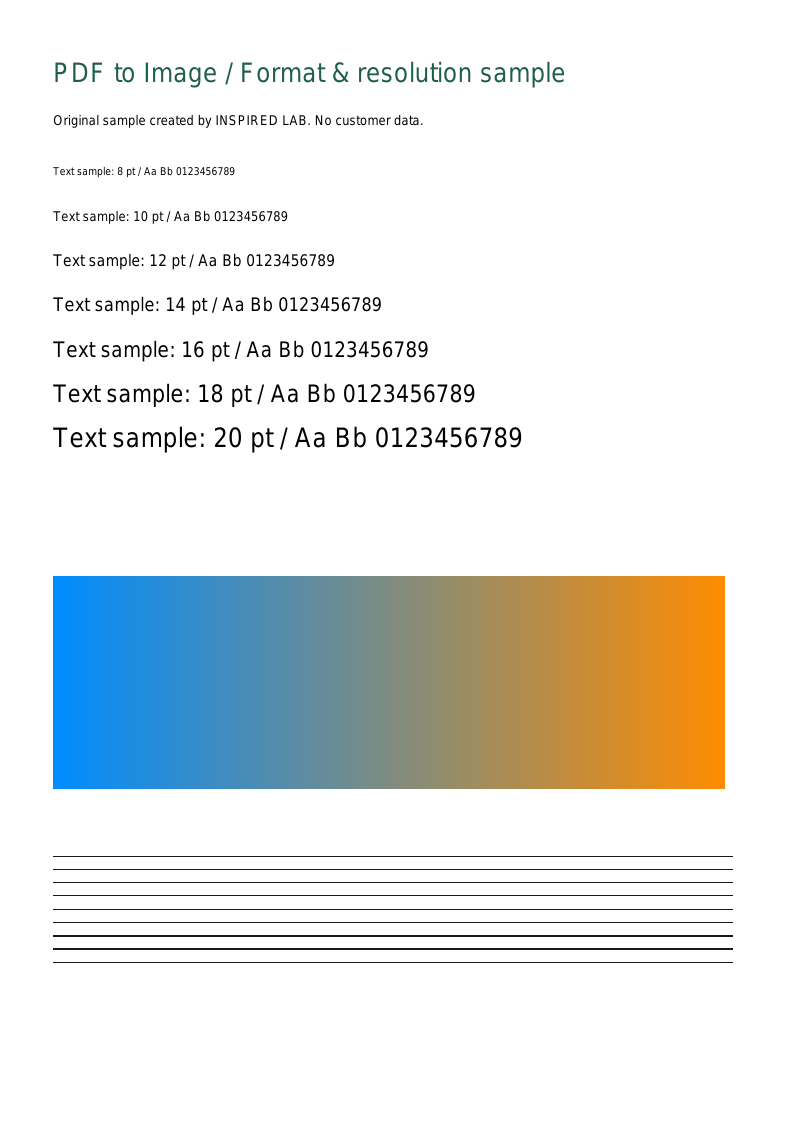
Measurements for this sample — not a guarantee of other documents’ size or speed.
Troubleshooting conversion and downloads
Find the next step for your error.
The PDF cannot be read
Remove passwords first using a tool you are authorized to use. For damaged files, save again from the original app or download a fresh copy. Renaming a file to .pdf does not change its format.