
Add PDF page numbers
Add page numbers to every PDF page with your chosen starting number and position.
How to use this tool
On this device · no upload
- Choose one PDF and check its page count.
- Choose the starting number and position. Every page receives a consecutive number.
- Create the PDF, then download the result.
- Compare page count, orientation and overlaps with the original.
Real results from the same practice PDF
Starting at 5 adds 5, 6 and 7 to the three original pages. Compare bottom center, bottom right and top center below. Existing page numbers remain, so choose space without a header or footer. To exclude a cover, split the document first, number the body and merge the files again.
Download the original three-page PDF ↓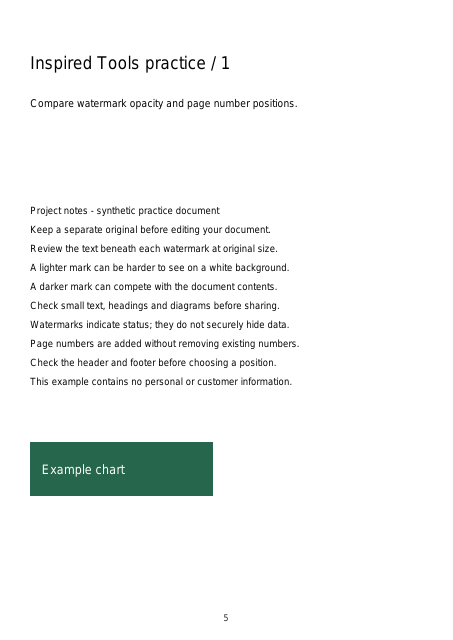
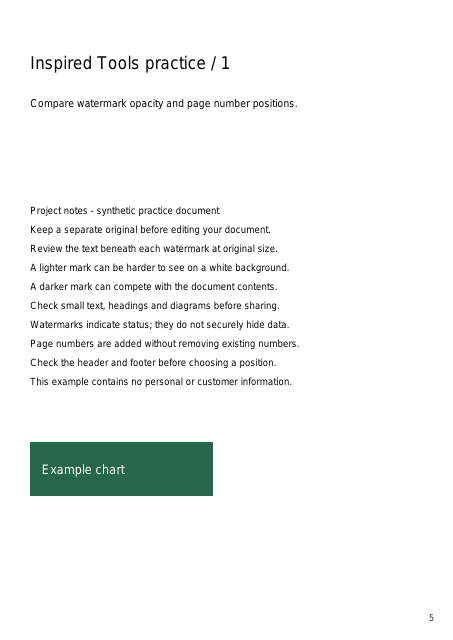
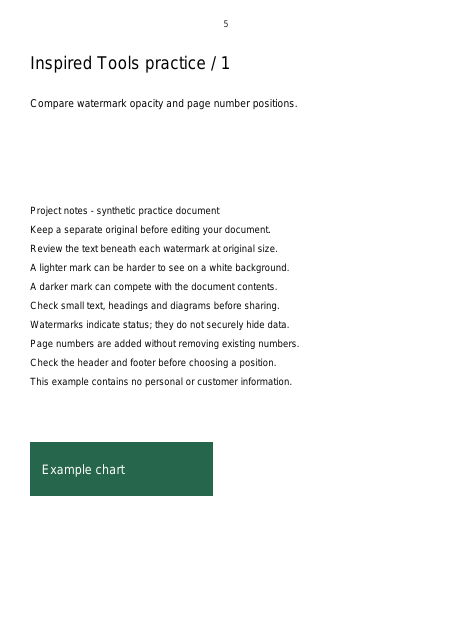
We processed our synthetic three-page document with the same PDF engine used by the tools. Images show a reduced first page of each result PDF. No personal documents were used; appearance can vary with device fonts.