
← Back to PDF tools

INSPIRED TOOLS / PDF

JPG or PNG: which should I choose?

We converted the same sample to compare output formats.

Text, lines and photographs

PNG preserves text and diagram edges without lossy compression. JPG can make photographs smaller, but may introduce artifacts around text. The smaller format depends on the actual content.

What our sample shows

Our sample contains text, lines and a color gradient; PNG was smaller than JPG. This does not predict results for photo-heavy documents. Open both at their original size to compare text edges and file size.

Sample limitations

This example is an A4 page created by INSPIRED LAB and converted on the server. Results may vary with the document, settings and processing method.
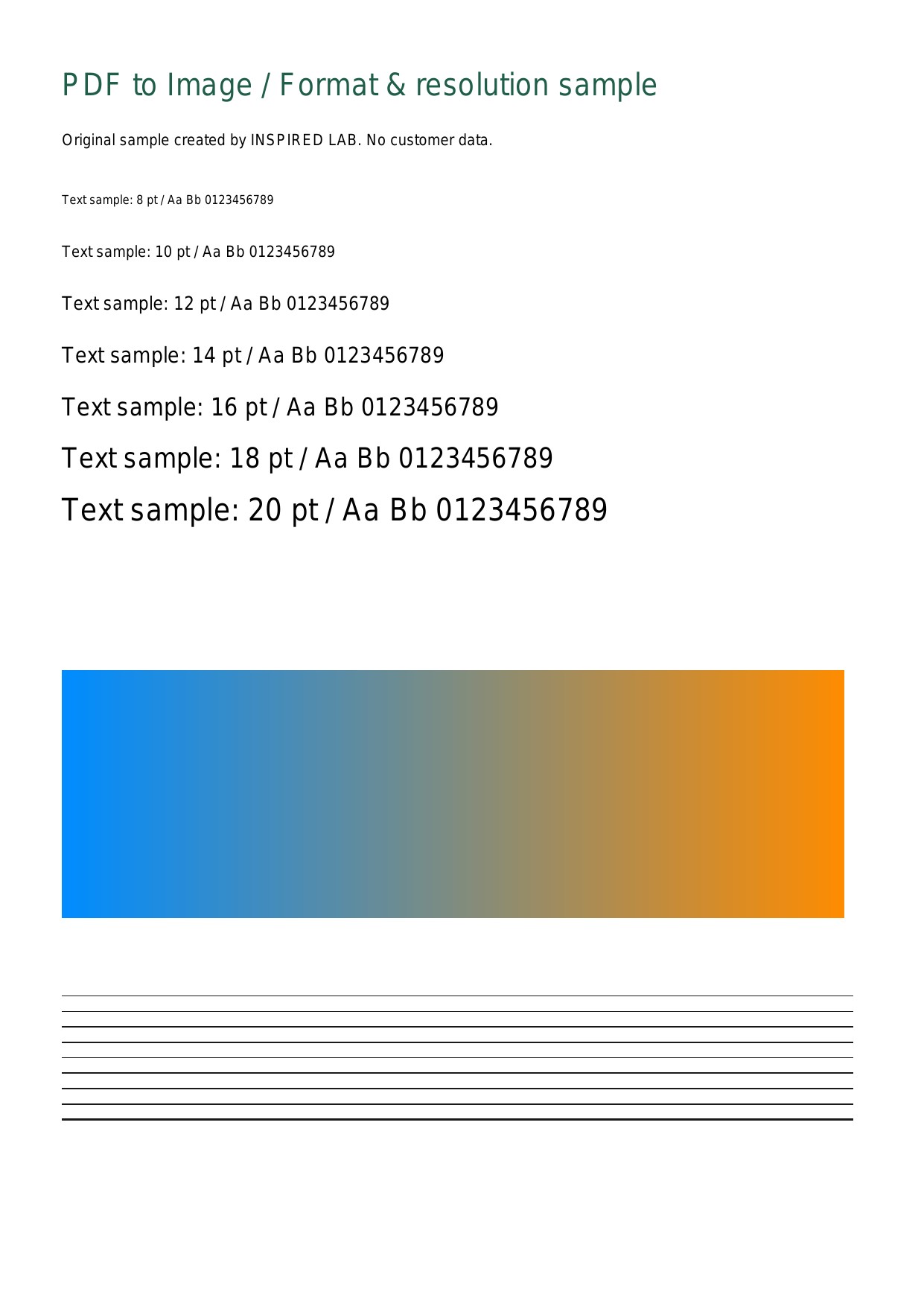
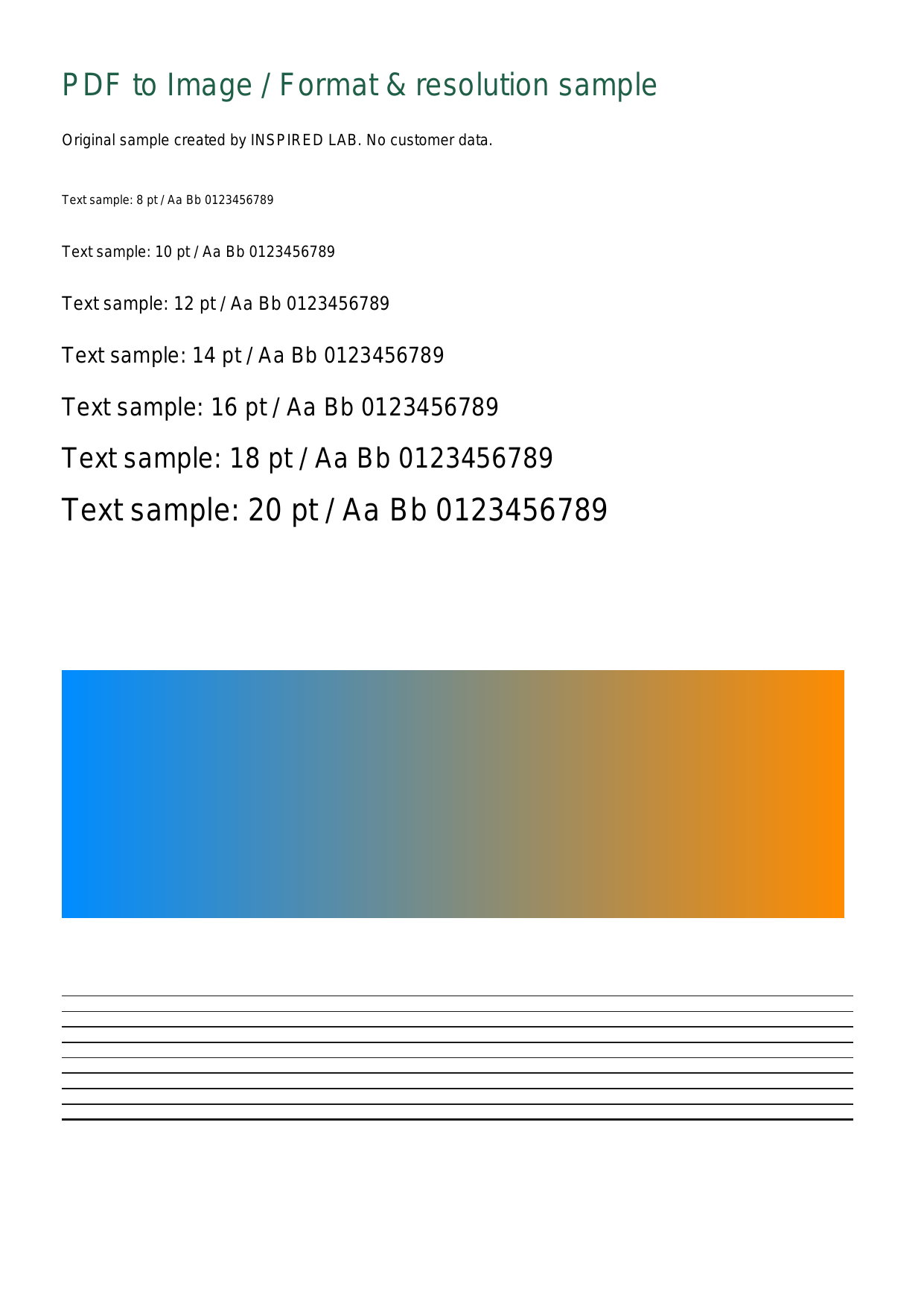
Actual outputs from the same PDF

Measured September 12, 2026 · Server conversion · JPG quality 90 · One A4 page.

Download the original sample PDF
Actual JPG conversion at 150dpi
JPG · 150dpi
Actual PNG conversion at 150dpi
PNG · 150dpi
Measurements for this sample — not a guarantee of other documents’ size or speed.
FormatDPIPixelsFile sizeFile
JPG96794 × 112379.1 KBDownload
PNG96794 × 112356.3 KBDownload
JPG1501241 × 1754151.5 KBDownload
PNG1501241 × 175483.3 KBDownload
JPG3002481 × 3508403.7 KBDownload
PNG3002481 × 3508182.2 KBDownload
Convert a PDFSee all guides