
1. Choose images
On this device · no upload
Choose JPG or PNG files and check their thumbnails.
In on-device mode, images are not uploaded. Up to 128MiB total and 500 images. JPG quality is preserved; large PNGs are resized automatically.
2. Arrange images
Drag files or use the up/down buttons to order them. Each image becomes one page, from top to bottom.
3. Set paper and margins
Choose A4, Letter or Fit image size. A4 and Letter also offer orientation and margins.
4. Save the PDF
Click Create PDF and save the result. JPG quality is preserved. The completion screen tells you if large PNGs were resized.
Example: two images in an A4 report
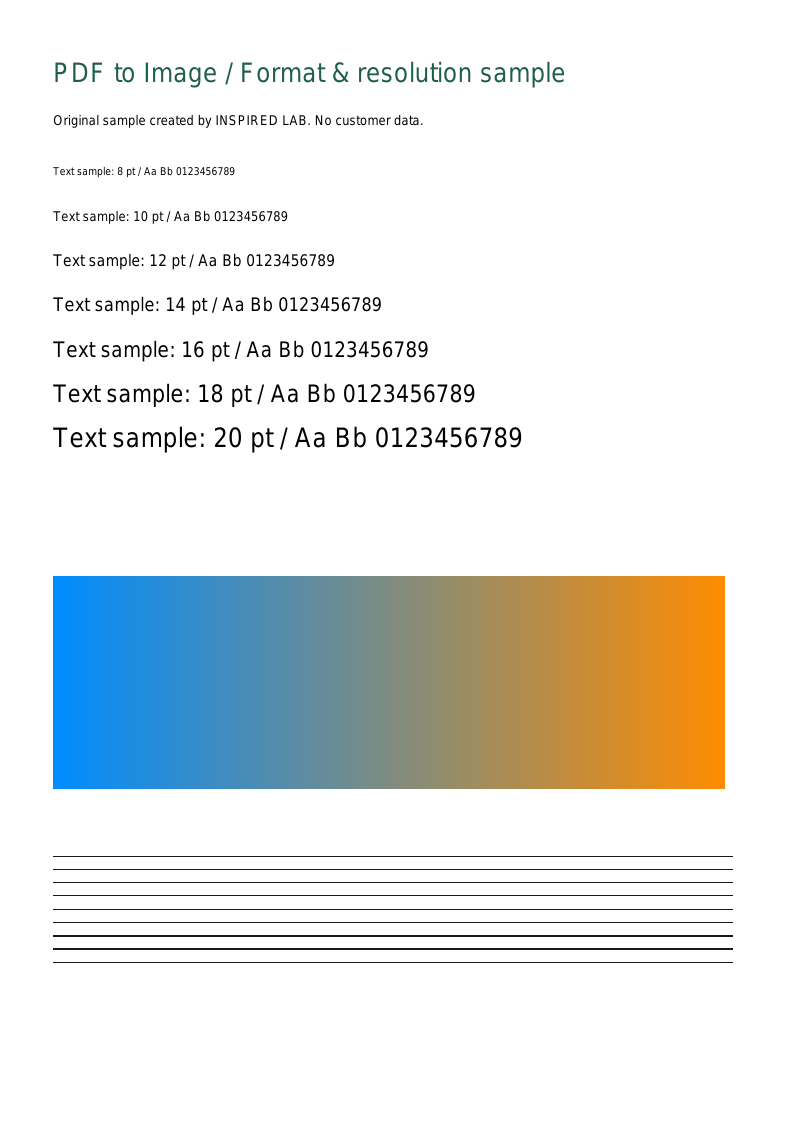
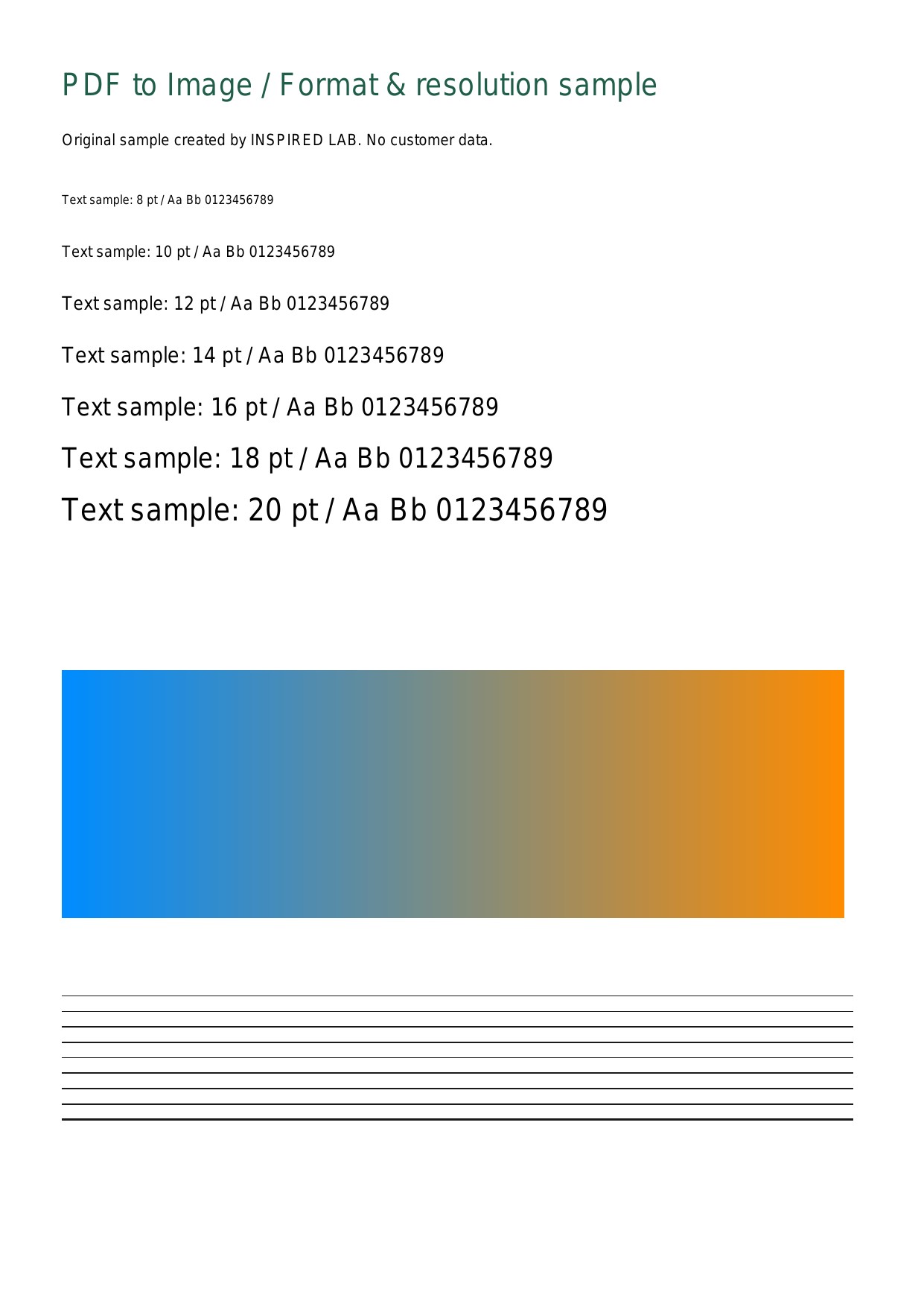
Choose the sample PNG and JPG below and put the PNG first. A4, portrait and small margins produce a two-page PDF. Check orientation and margins; if text is too small, compare with the fit-image-size option.
Choosing paper and image quality
Use A4 or Letter for a required paper format, or Fit image size to keep image proportions. JPGs are not recompressed and EXIF orientation is applied. Large PNGs are resized automatically, so check small text and lines after saving. Originals are unchanged. Very large JPG previews may be skipped, and opening the PDF depends on the receiving device’s capabilities.
Limits and troubleshooting
On this device · no upload
Choose up to 128MiB total and 500 images; the result PDF is limited to 128MiB. JPG pixel counts and combined image pixels are not limited. PNG input is limited to 64 megapixels each; output is automatically resized to at most 16 megapixels and an 8,192px long edge. Convert HEIC or WebP to JPG or PNG first. Processing stops after two minutes without progress. Use smaller groups if device memory is insufficient.
Tool and file processing
Practice files and expected result
Privacy and processing
On this device · no upload
Images are processed one at a time on your device without uploading. Closing or refreshing the tab stops processing. Results are limited to 128MiB; processing stops after two minutes without progress. Combined pixels and total time while progress continues do not block a job. Keep originals and use files you have permission to process.
Server processing and higher limits
Files are processed on your device by default. Choose server processing in a tool when you need it. Selecting a file alone does not upload it.
Total 512MiB · up to 1000 files · 2000 pages in total · output up to 512MiB
Up to 128MiB per image. JPG is not recompressed. PNG input supports 128 million pixels; output is resized to at most 32 million pixels and an 8,192px long edge.
Single-PDF tools accept one file. For merging and image conversion, use the up/down buttons to set file order. An empty page range means all pages. Server jobs have a ten-minute limit; recent server jobs provide downloads until expiry.